
Reset Voicemail PIN in Webex User Hub
- Go to the Webex User Hub and sign in with your BridgeValley account https://user.webex.com/webappng/hub/welcome
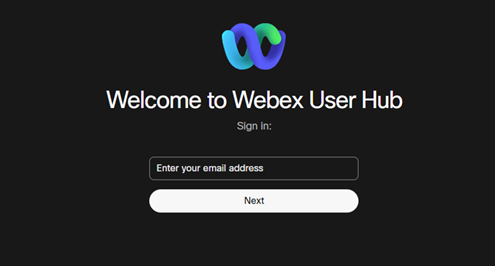
Login Page should look like this:
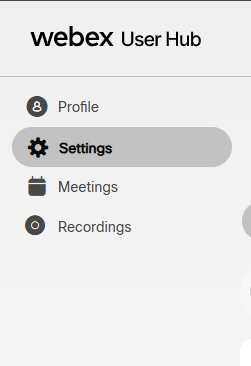
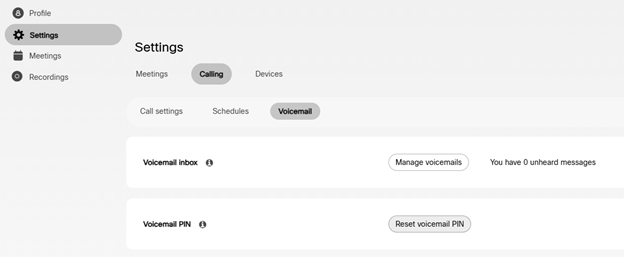
- Select Settings from the left-hand menu.
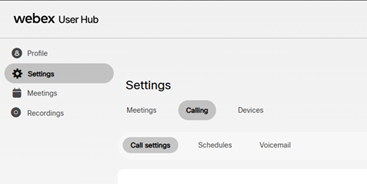
- Select Calling.
- Select Voicemail.
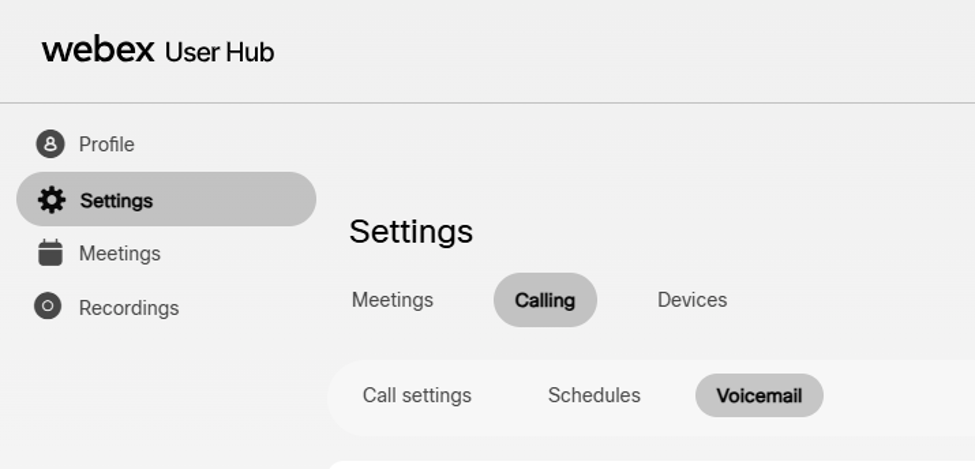
- Select Reset Voicemail PIN
- Enter the new voicemail PIN.
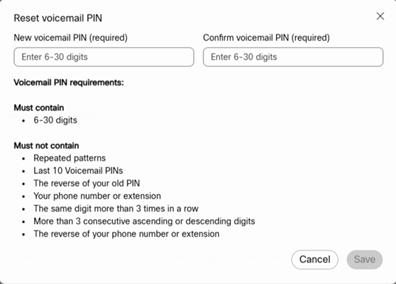
- Confirm the new PIN.
- Select Save.