Logo

BridgeValley CTC

Welcome
Login
Home Solutions
New support ticket
Check ticket status
304.205.6600
Solution home General FAQ

InformaCast Add Device Print

Modified on: Fri, 14 Aug, 2026 at 2:01 PM


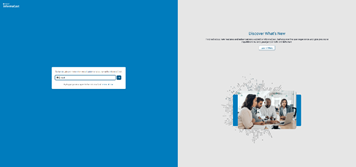
Log into the URL below with your BridgeValley Email: https://admin.icmobile.singlewire.com/icmobile/#/login


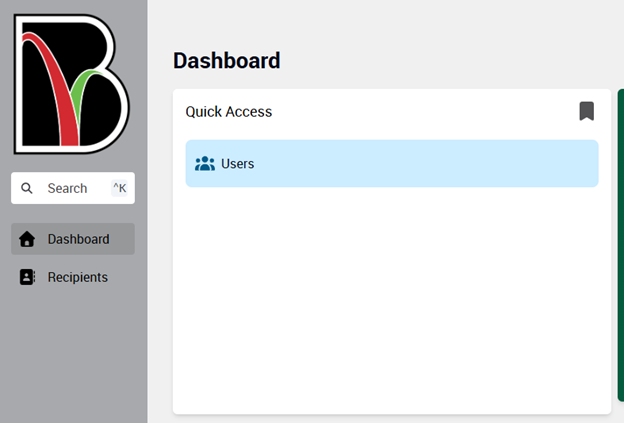
Click on Users

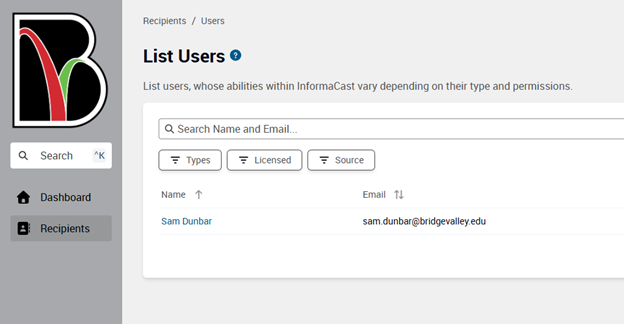
Click on your name

Select + Add User Device
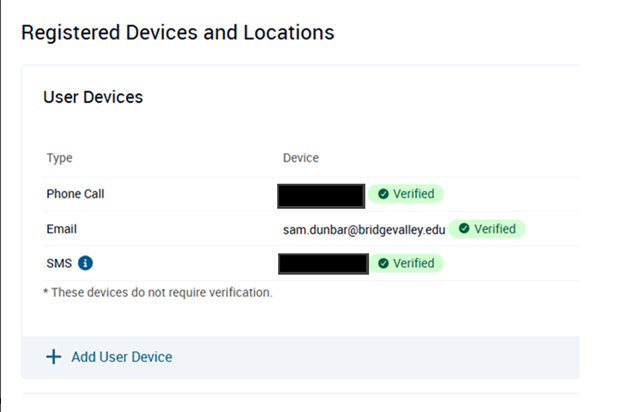
 

Enter your Phone number adding +1 then the entire number

Example: +1304XXXXXXX
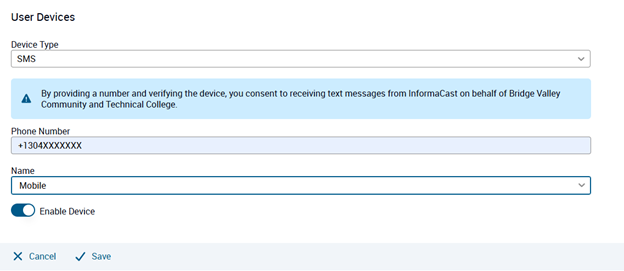
Click Save


Did you find it helpful? Yes No

Send feedback
Sorry we couldn't be helpful. Help us improve this article with your feedback.

Related Articles

    Home Solutions Cookie policy
    Help Desk Software by Freshdesk
    Article views count