
Webex Desktop App
- Launch or open Webex
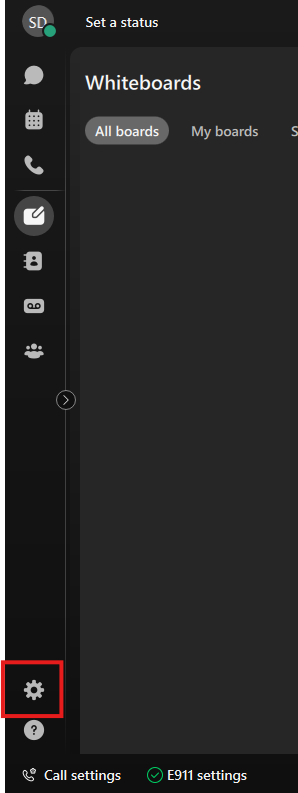
- Go to Settings (Gear Icon bottom left)
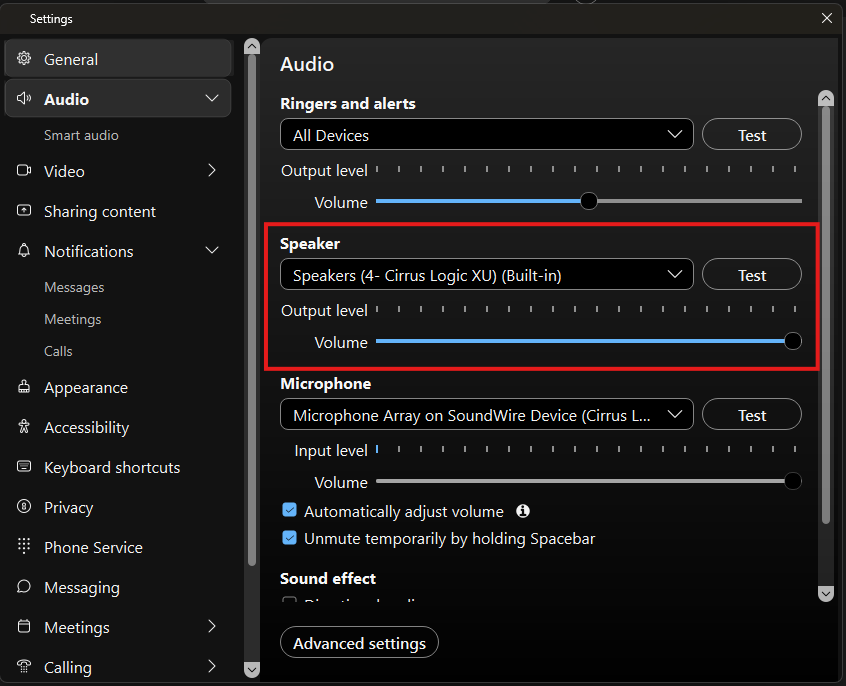
- Select Audio and verify Speaker volume is set to max
- Go to Notifications > Messages
Set Message Notification to what messages you want to get notifications for
Select Direct message notification sound (Beep is a bit low, I would suggest Bounce)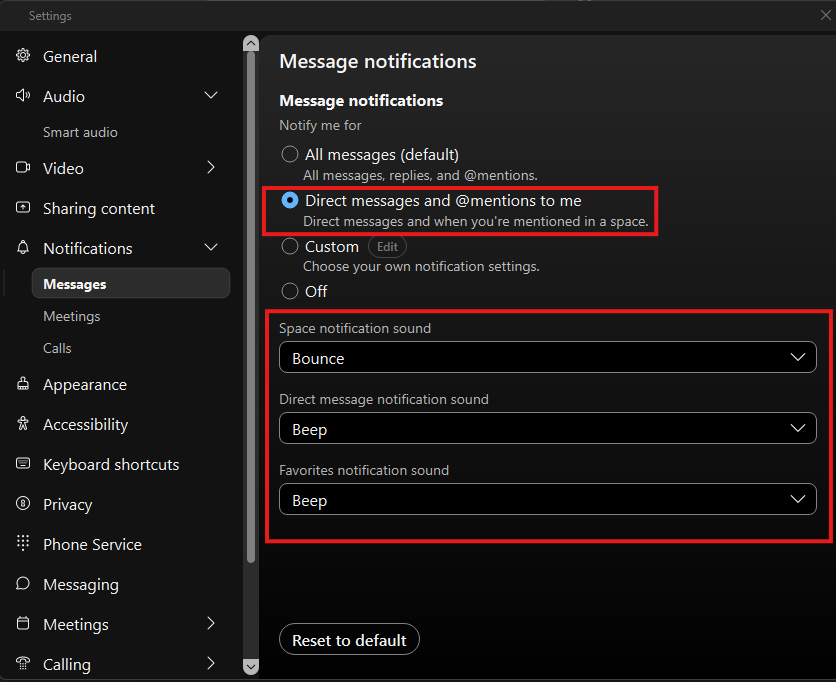
- Windows Setting
Select your Sound settings using bottom Right corner of your taskbar (Should look like a speaker Icon)
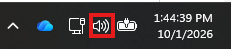
Select the Sound output setting
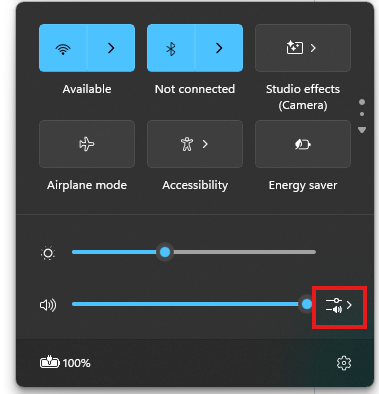
Scroll down and adjust the Volume mixer for the apps you want to turn down or up
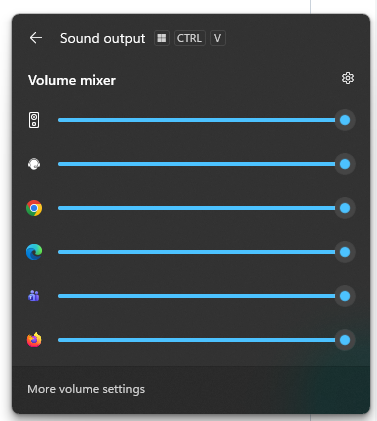
Test volume levels to set apps to your desired volume